Grading workflow
From folder to feedback.
In minutes.
Drop in a folder of student work. Zippy grades it against your rubric for you to review and approve. The result? Personalised, detailed feedback that helps every student improve.
Works with PDFs, Word docs, Google Docs, and pasted text.
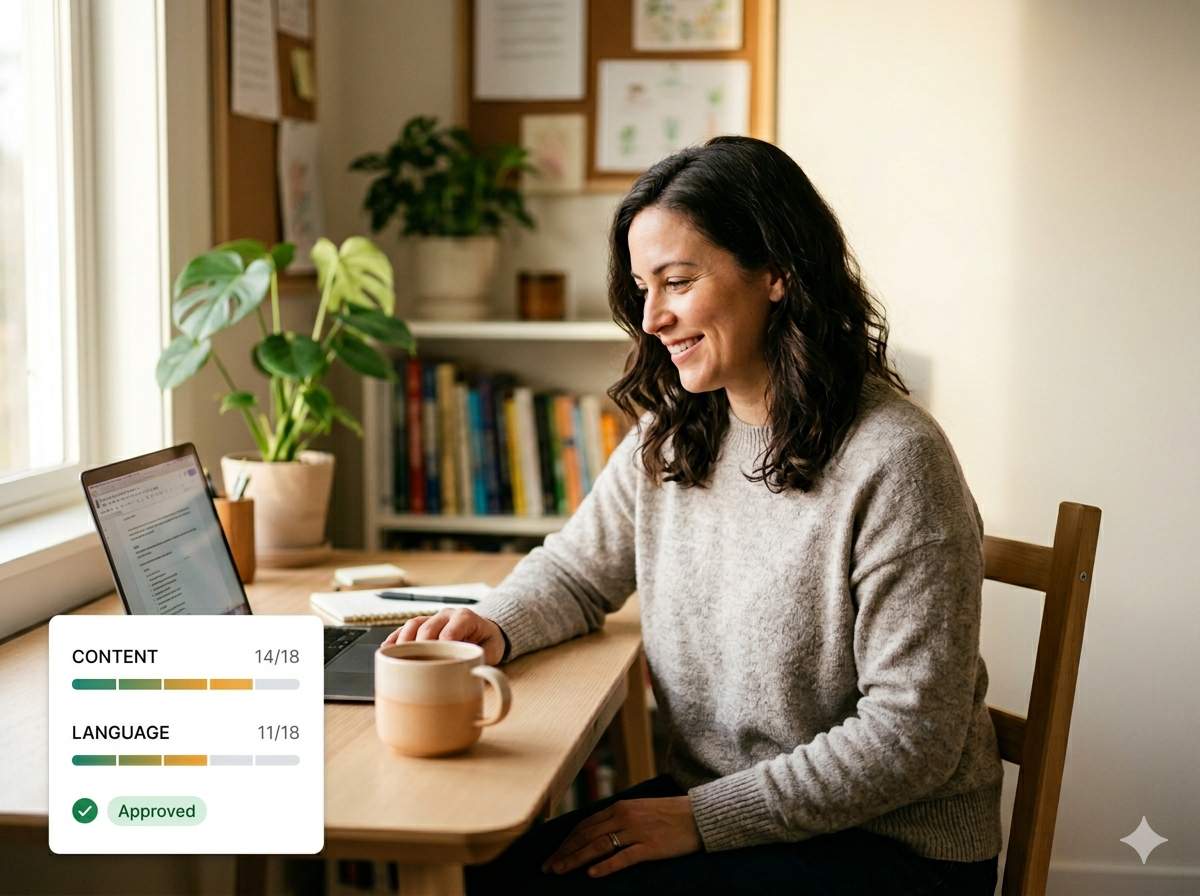
The grading flow, end to end
Three simple steps to consistent, quality grading.
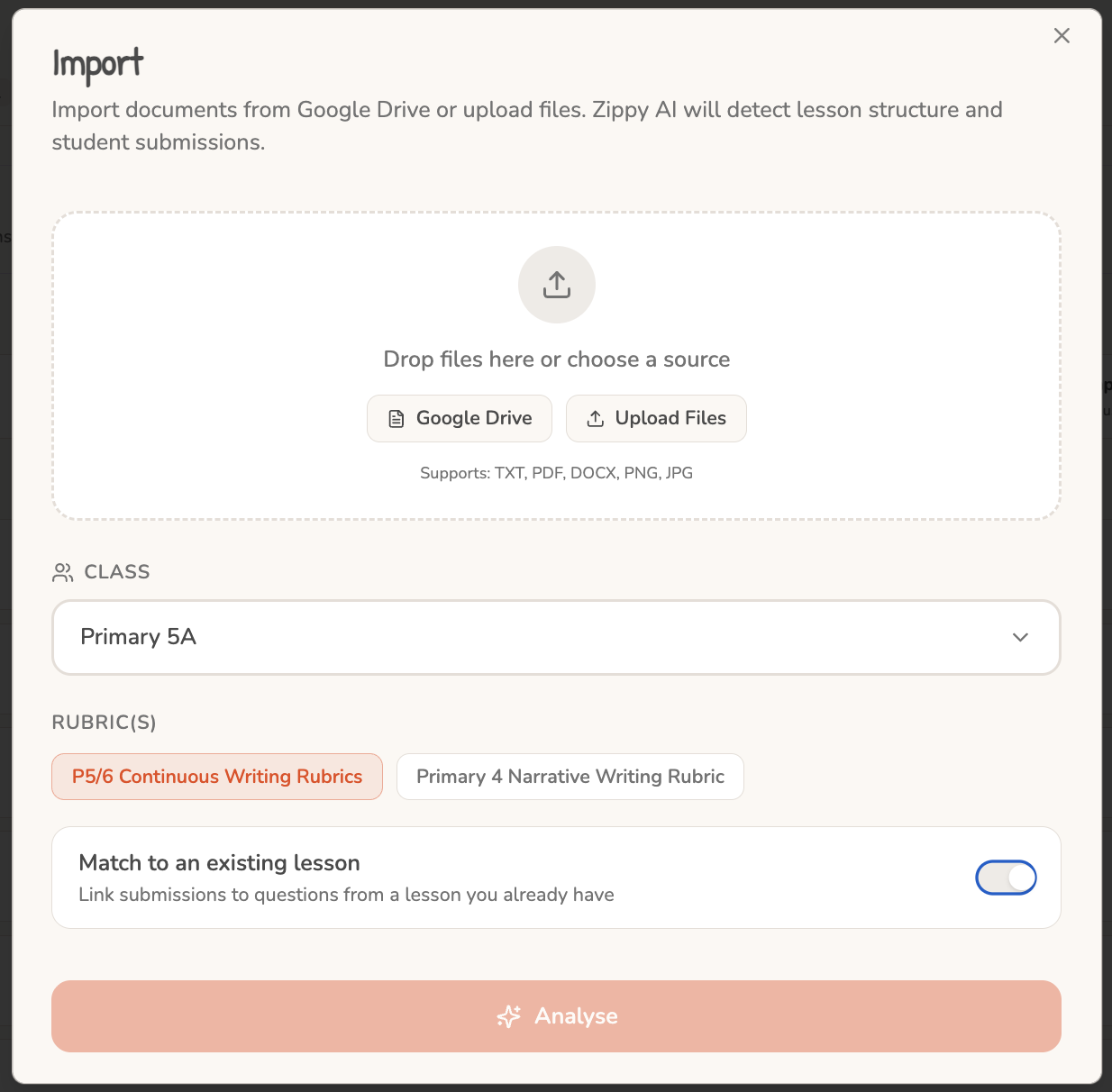
Step 1
Import
Drop a folder of compositions, or pick from Google Drive. Zippy detects and groups submissions per student automatically.
Built for the way teachers actually grade
Grading superpowers
Five things that make Zippy grading actually feel different.
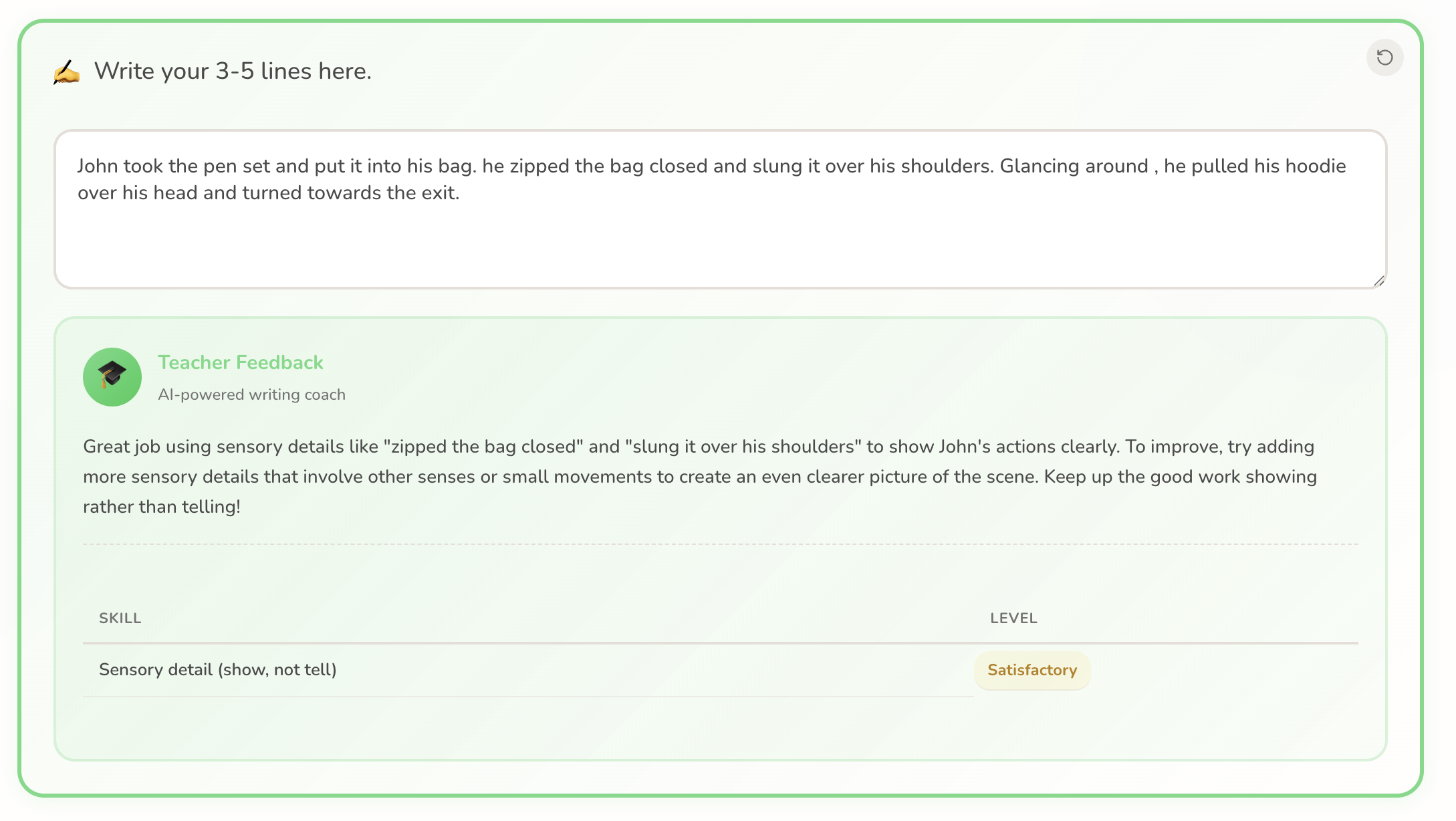
Inline, instant feedback
Feedback shows up right beside the writing as students work. Every comment is tied to a specific skill and level, so they know exactly where they stand.
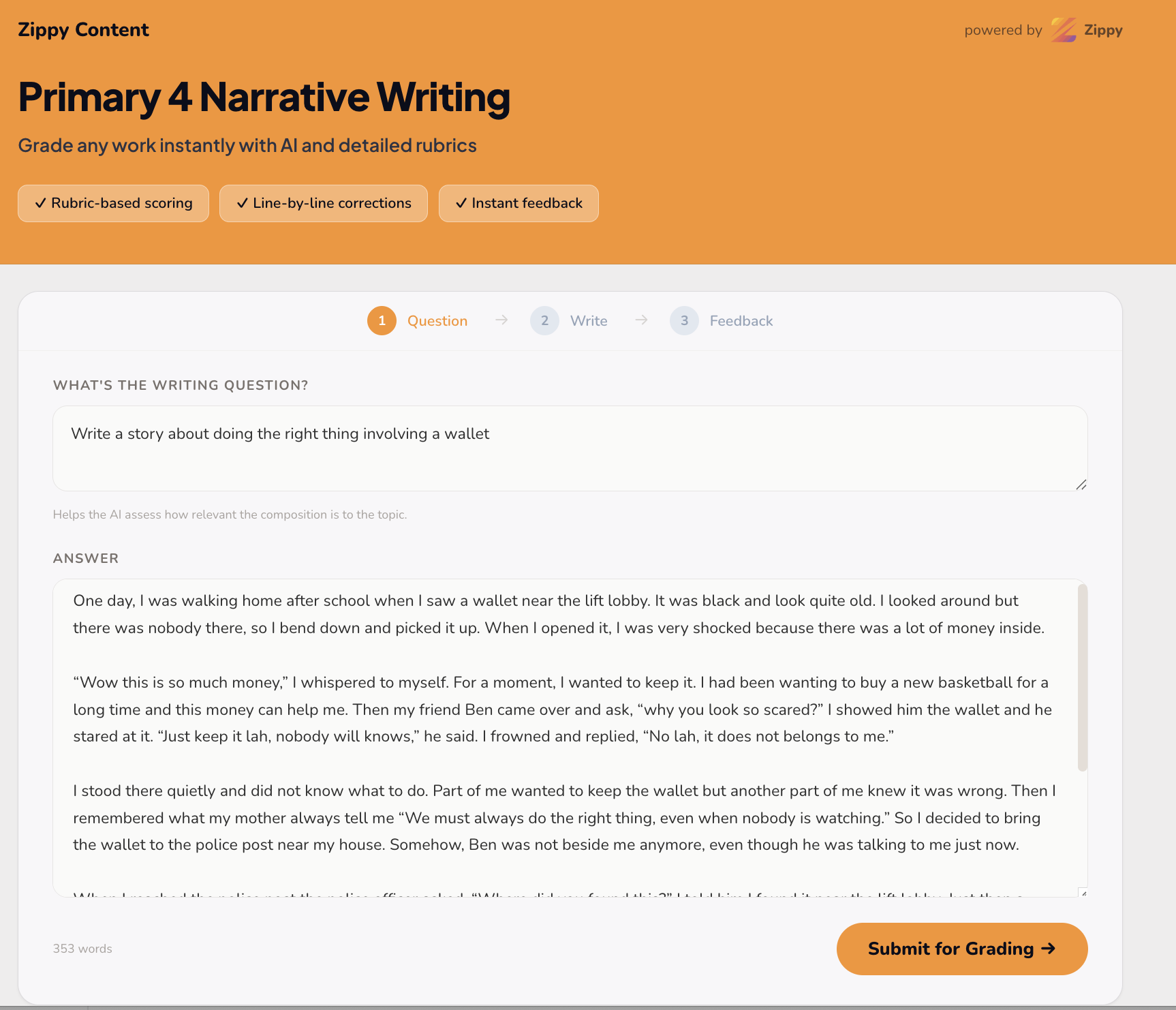
Spotlight: public grader
A public grader you can share with anyone.
Teachers: give your students a link to grade their own writing whenever they want, no login needed. Centres: put a branded grader on your website so parents can experience your teaching quality before they enrol.
- No login. Anyone with the link can submit and get AI feedback.
- Same rubric and AI engine as your private grading.
- Brand it with your centre or school identity.
- Use it for student practice, parent demos, or as a free top-of-funnel tool.
Live demos for P3/4 and P5/6 composition.

Stop grading until midnight.
Let Zippy help.
Bring a folder of compositions and a rubric. We’ll show you the full flow live and get you grading the same day.